Congratulations on Taking the First Step
to More Digital Visibility!
Then next step is to schedule a Strategy session...
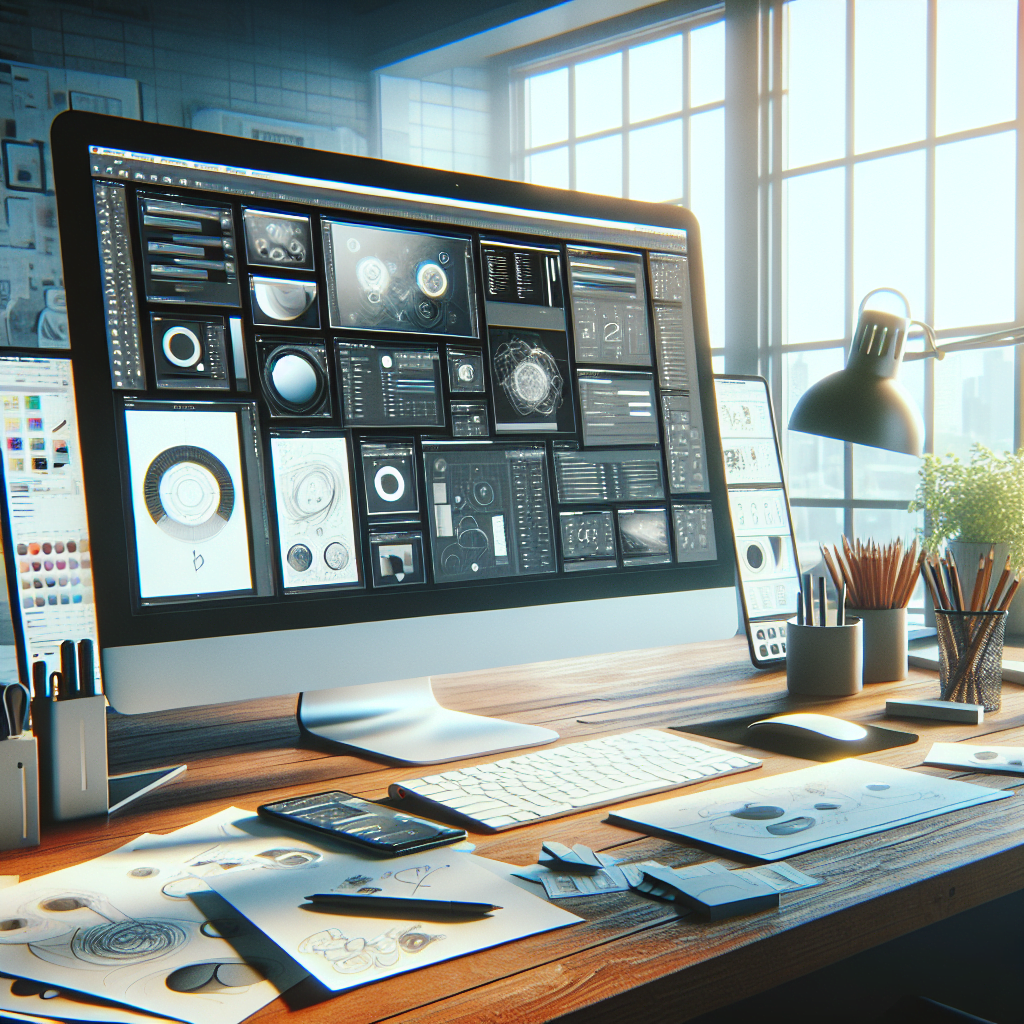
Google Web Designer is a powerful tool designed to help both beginners and professionals create engaging and interactive HTML5-based designs. Launched by Google, this application is particularly useful for building ads, but its capabilities extend far beyond that. If you’re asking, can you build a website with Google Web Designer?—the answer is a resounding yes!
One of the standout features of Google Web Designer is its user-friendly interface, which allows you to create stunning websites without needing extensive coding knowledge. The drag-and-drop functionality simplifies the design process, enabling you to focus more on creativity rather than technical details. Moreover, the tool supports a variety of features such as animations, 3D content, and responsive design, making it versatile for different types of web projects.
But why should you choose Google Web Designer over other tools? For starters, its seamless integration with other Google products like Google Drive and Google Ads provides a cohesive workflow, enhancing productivity. Additionally, it comes with a robust set of templates and pre-built components that can be customized to meet your specific needs.
Ready to take your web design to the next level? Get a quote at https://guru-is.com/#contact and let us help you create a visually stunning and user-friendly website that drives real business success.

Google Web Designer comes packed with a myriad of features that make it a versatile tool for web development. One of its most notable features is the drag-and-drop interface, which allows users to easily place elements on the canvas without needing to write a single line of code. This makes it exceptionally user-friendly for beginners.
Another standout feature is the animation tools. Google Web Designer offers keyframe-based animation, which means you can create complex animations with precision. The timeline feature lets you control every aspect of your animation, providing a level of detail that is often reserved for more advanced software.
For those looking to create responsive designs, Google Web Designer has got you covered. The tool allows you to create layouts that adapt to different screen sizes, ensuring your website looks great on both desktop and mobile devices. Additionally, it supports a variety of media formats, including images, videos, and audio, enabling you to create rich, interactive experiences.
Google Web Designer also integrates seamlessly with other Google products, such as Google Drive and Google Ads. This integration enhances your workflow by making it easier to manage your assets and streamline your advertising campaigns. Moreover, the software is regularly updated with new features and improvements, ensuring you always have the latest tools at your disposal.
In summary, the combination of a user-friendly interface, powerful animation tools, responsive design capabilities, and seamless integration with other Google products makes Google Web Designer a compelling choice for anyone looking to create stunning websites.
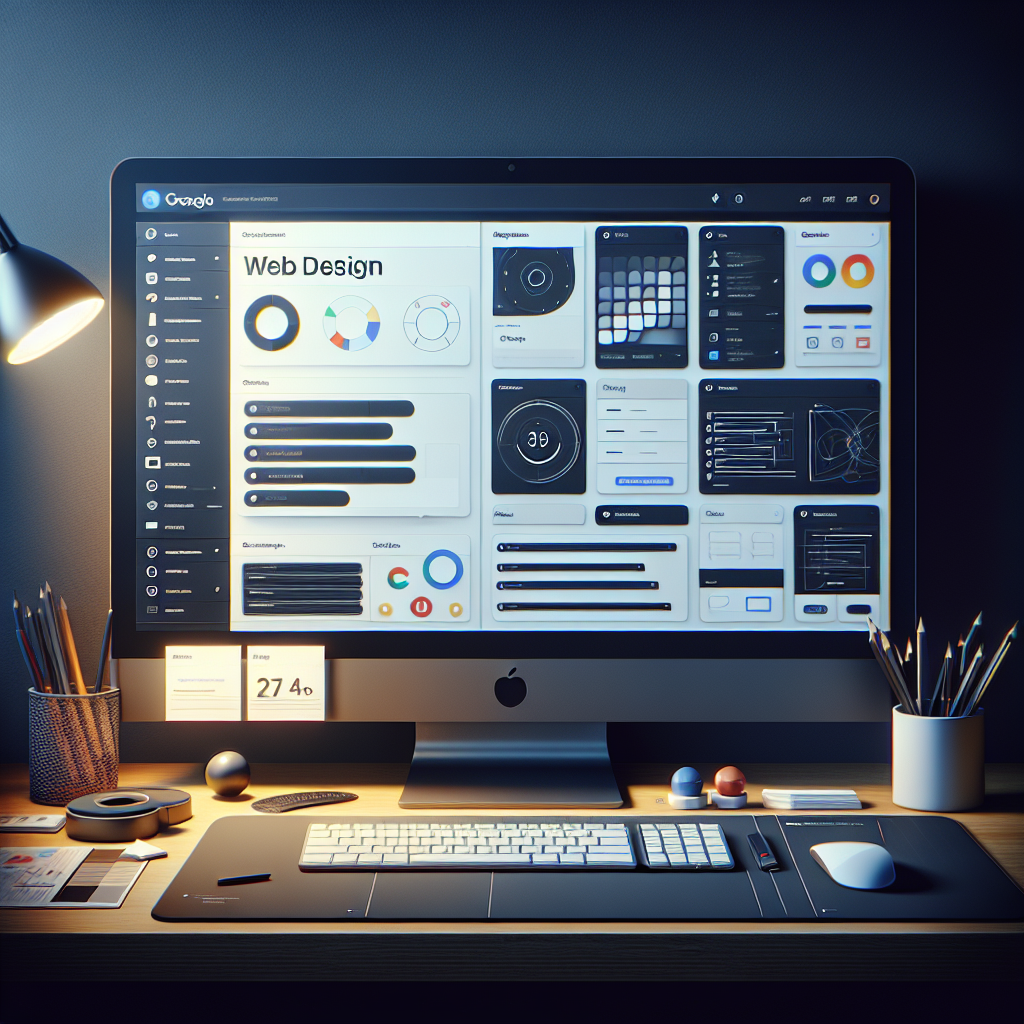
Using Google Web Designer offers numerous benefits that can significantly enhance your web development process. One of the primary advantages is its ease of use. The intuitive drag-and-drop interface allows even those with minimal technical skills to build professional-looking websites. This democratizes web design, making it accessible to a broader audience.
Another significant benefit is the ability to create rich, interactive designs. Google Web Designer supports a variety of media formats, including HTML5, CSS3, JavaScript, and more. This ensures that your website is not only visually stunning but also highly functional. The software’s animation tools further enable you to add engaging, dynamic elements to your site, making it more appealing to visitors.
The cross-platform compatibility of Google Web Designer is another major advantage. It allows you to develop websites that look great on any device, whether it’s a desktop, tablet, or smartphone. This responsiveness is crucial in today’s mobile-first world, where a significant portion of web traffic comes from mobile devices.
Google Web Designer also integrates seamlessly with other Google products like Google Drive and Google Ads. This integration streamlines your workflow, allowing you to easily manage assets and run advertising campaigns. Moreover, Google Web Designer is a free tool, which provides a cost-effective solution for businesses and individuals looking to create high-quality websites without a significant financial investment.
Lastly, the regular updates and improvements ensure that you always have access to the latest features and technologies. This keeps your website modern and competitive, helping you stay ahead in the rapidly evolving digital landscape.

Building a website with Google Web Designer is a straightforward process, thanks to its user-friendly interface and comprehensive tools. Here’s a step-by-step guide to help you get started:
Following these steps will help you create a professional and visually appealing website using Google Web Designer. The platform’s intuitive tools and features make the entire process seamless and enjoyable.
While Google Web Designer is a powerful tool for creating visually stunning and interactive websites, it does come with a few limitations that users should be aware of. Understanding these limitations will help you decide if it’s the right tool for your project:
Being aware of these limitations allows you to better prepare and plan your web design project, ensuring you can either work around these constraints or complement Google Web Designer with additional tools and resources.
In conclusion, Google Web Designer is a robust tool that can significantly enhance your web design capabilities, particularly when it comes to creating dynamic, visually appealing, and interactive content. It offers a wide range of features that cater to both novice and experienced designers, making it a versatile addition to your web design toolkit.
However, it’s essential to recognize the tool’s limitations, such as its complexity for beginners, limited backend capabilities, and some performance issues. By being mindful of these constraints, you can better plan and execute your web design projects, ensuring a smoother workflow and a more polished final product.
For those who need more advanced features or a comprehensive solution that covers both front-end and back-end development, you might consider integrating Google Web Designer with other tools or seeking professional web design services.
At Guru-is.com, we specialize in providing innovative web design solutions tailored to meet your specific business needs. If you’re looking to create a stunning and user-friendly website that drives real business success, don’t hesitate to Get a quote at https://guru-is.com/#contact.